
Small device.
Big connection.
The engine-data link for your True Road logging workflow.
The right cable.
The right connection.
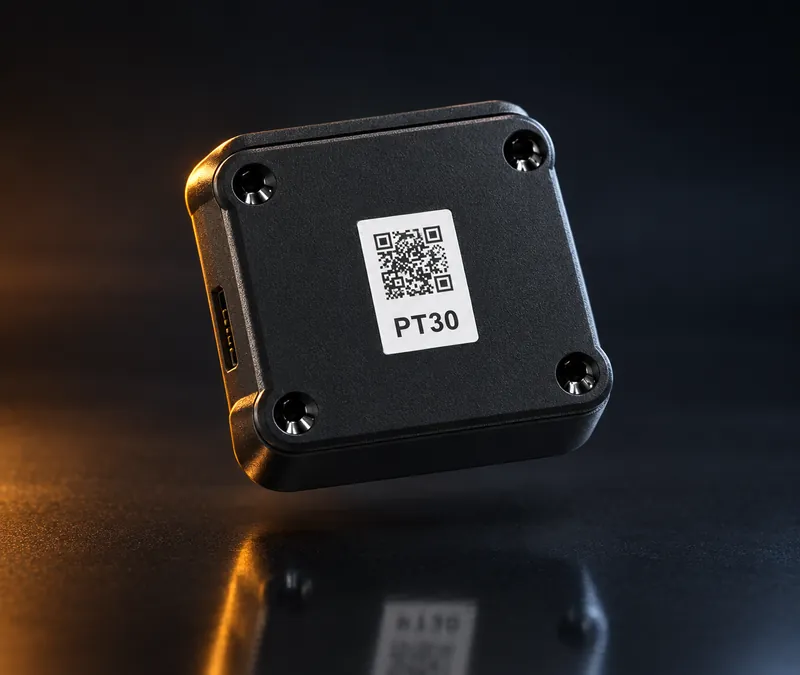
The PT30 supports J1939, J1708, and OBD-II (CAN) vehicle protocols. Your actual installation depends on the truck and cable combination.
Tell us the year, make, model, and connector type when you order or request a quote. If you’re unsure, choose “Help me identify it” and the team confirms the right cable before anything ships.
Match my vehicleConnect to the diagnostic port.
Use the cable approved for your truck. Secure the device and cable away from pedals and controls.
Pair the driver app.
Follow the supplied setup instructions and confirm the hardware connection in the app.
Verify before driving.
Check vehicle information and logging behavior before the first trip.
Fit first.
Then order.
Which connector do I need?
Connector options depend on the vehicle. The order request lets you specify 9-pin, 6-pin, OBD-II, RP1226, or ask for help. Selecting an option is not a compatibility guarantee; the team must confirm the correct cable.
Does the PT30 provide its own cellular connection?
The PT30 hardware uses Bluetooth for the mobile-device link. In this workflow the driver’s mobile device provides the connection used to synchronize with cloud services. Confirm data-plan requirements for the offered setup.
Is hardware included in the monthly subscription?
Hardware and software are quoted separately. Your written quote should identify the device, cable, shipping, taxes, and recurring subscription.
What about replacement or warranty coverage?
Ask for the written hardware warranty and replacement policy before purchase. Coverage, duration, and return shipping need to be confirmed for your order.
Your next mile.
Better connected.
Tell us about your trucks. We’ll help you find the right setup.