Know where to look.
GPS tracking gives the office a location reference for the fleet.
Your truck. Your hours. Your operation.
Bring them together with True Road ELD.
Engine data in the cab.
Driver records in the app.
A shared view back at the office.
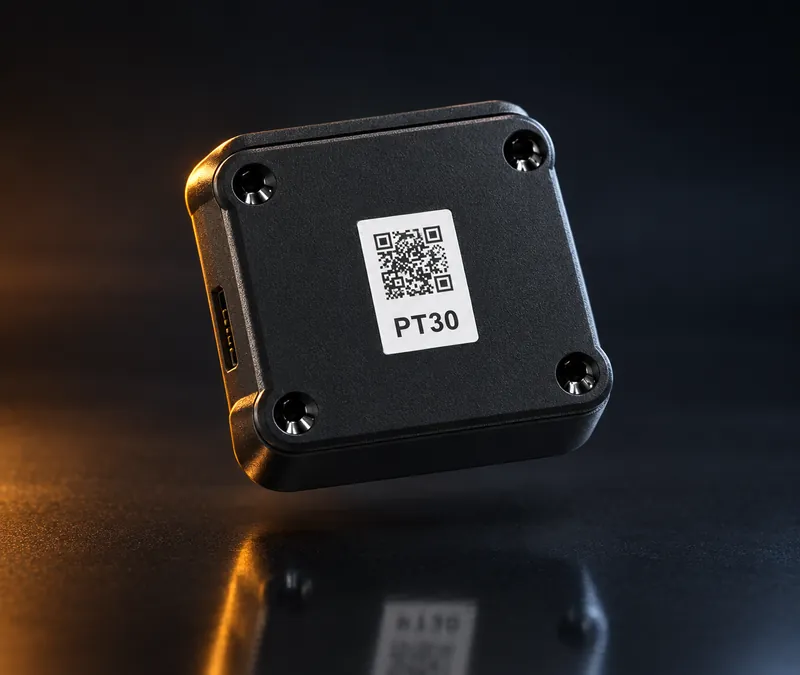
The PT30 connects to the truck’s diagnostic port, bringing engine data into your logging workflow.
Keep your hours, daily records, and vehicle inspections close at hand.
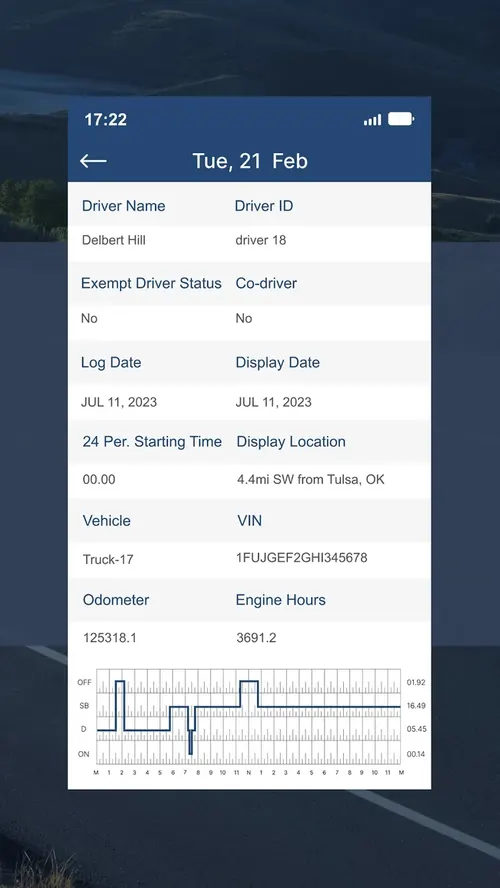
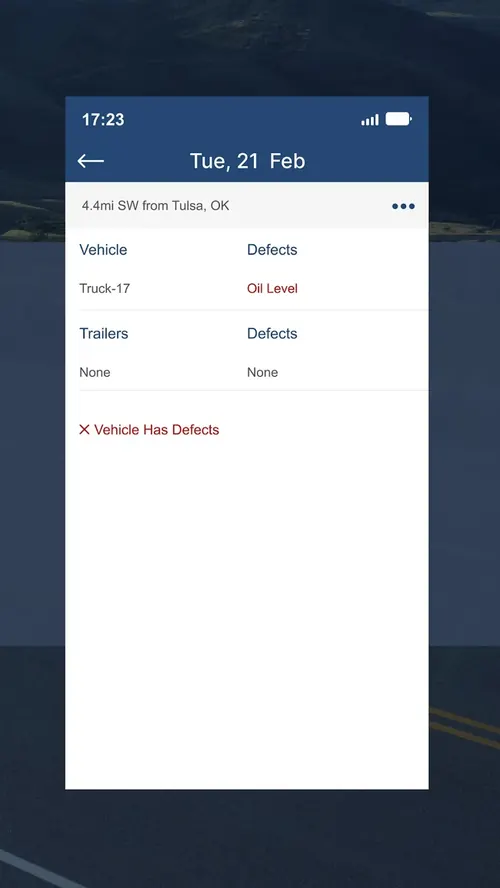
Bring driver records, vehicle locations, and fleet reporting into the office workflow.
See the interactive workflow on the fleet page.
What the office sees when the whole fleet is logging on True Road. Simulated trucks, real behaviour: hours counting down, breaks, inspections, and a violation that never happens because the driver was warned first.
A driver’s day has enough moving parts. Logging shouldn’t add another.
Review your records, keep track of available hours, and complete vehicle inspections from the True Road Elogs app.
Connect the road with the people managing the day. Explore a sample office workflow below.

Fleet operations / Workflow preview
Illustrative UI · Sample dataFleet overview
Sample snapshot · 09:41 ET| UNIT / DRIVER | DUTY STATUS | 11-HOUR DRIVING | RECORDS |
|---|---|---|---|
| 1315 / Driver 01 | Driving | 05h 40m remaining | Daily log reviewed |
| 1428 / Driver 02 | Driving | 07h 15m remaining | Uncertified prior log |
| 1532 / Driver 03 | On duty | 09h 00m remaining | DVIR follow-up |
| 1640 / Driver 04 | Off duty | 04h 30m remaining | Daily log reviewed |
Showing all 4 sample vehicles.
GPS tracking gives the office a location reference for the fleet.
Bring electronic logs and inspections into a shared review workflow.
Use recorded mileage information to support IFTA preparation.
The PT30 is the link between your truck and your logging system. We’ll help confirm the device and cable combination for your make, model, and year.
Everything a running fleet reaches for, in one place.
Share your fleet size, truck details, and current setup.
Review your hardware, cables, subscription, and written quote.
Set up your account, pair the app, and check the logging workflow before your first trip.
Tell us about your trucks. We’ll help you find the right setup.